
- Training
- Service
- Promotion
- Schedule
- Testing Center
- News
- Contact
10/21/2022


Learn how to to install Power BI on your desktop via Microsoft Store or the Power BI download center.
Power BI Desktop is one of the core elements of Power BI and it is the main application for designing and building reports.
There are 2 ways to download and install Power BI Desktop, and this tutorial will cover both of these methods:
Keep in mind that you cannot have both the Microsoft Store version and the version from the download center installed on your computer at the same time. If you do need to switch, be sure to first uninstall your current version of the application before installing the next.
Download Power BI Desktop from the Microsoft Store
This is the recommended method for downloading and installing Power BI Desktop, as there are a few advantages:
To proceed with this method, open the Microsoft Store on your computer and type “power bi desktop” in the search bar at the top of the screen. Select the application and click “Get” to download and install it.
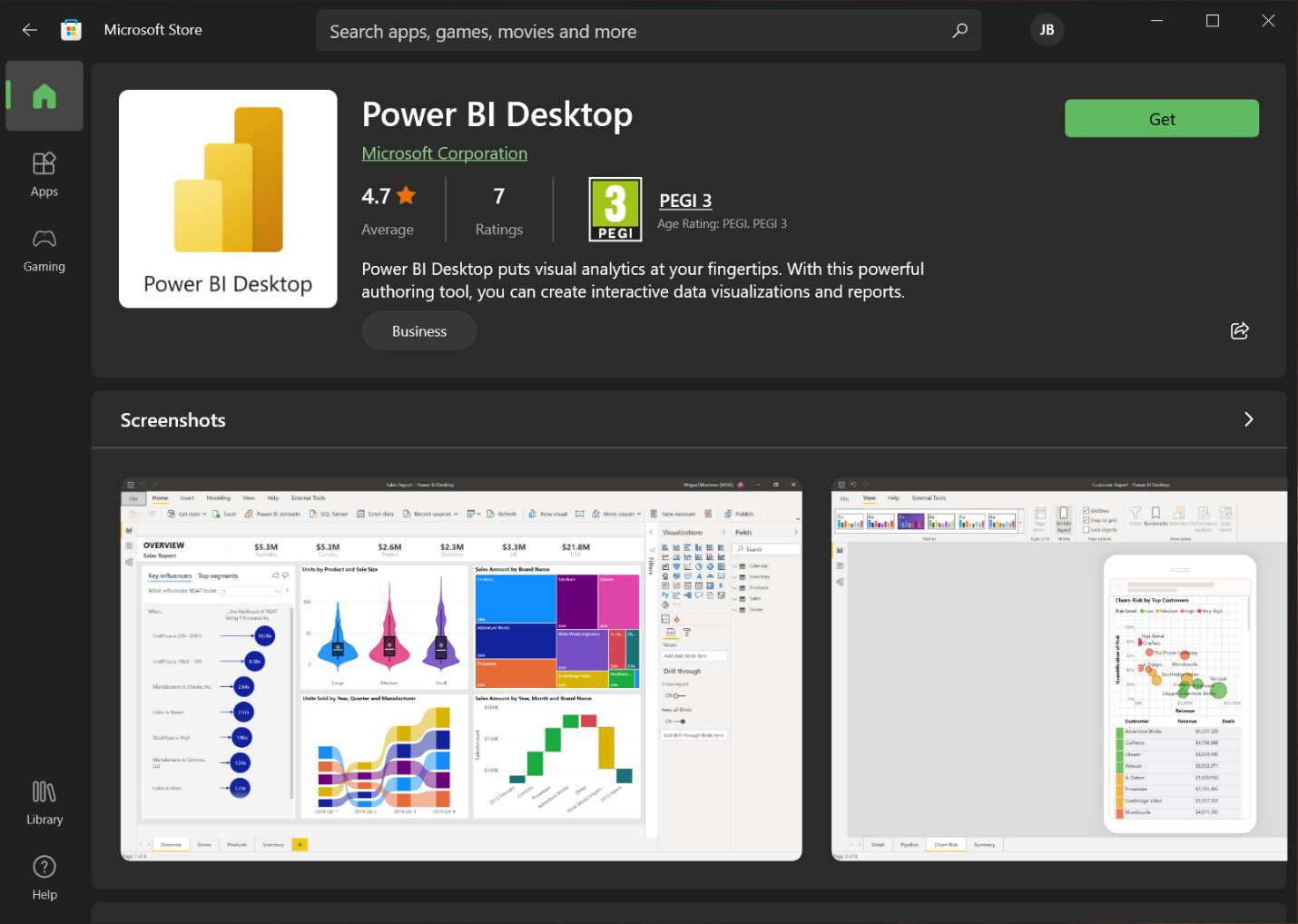
Once the application has been downloaded successfully, the Microsoft Store will install it automatically and should not require any additional steps.
Download Power BI Desktop Directly from the Download Center
If you should need to download the Power BI Desktop application, there are 2 ways to do this:
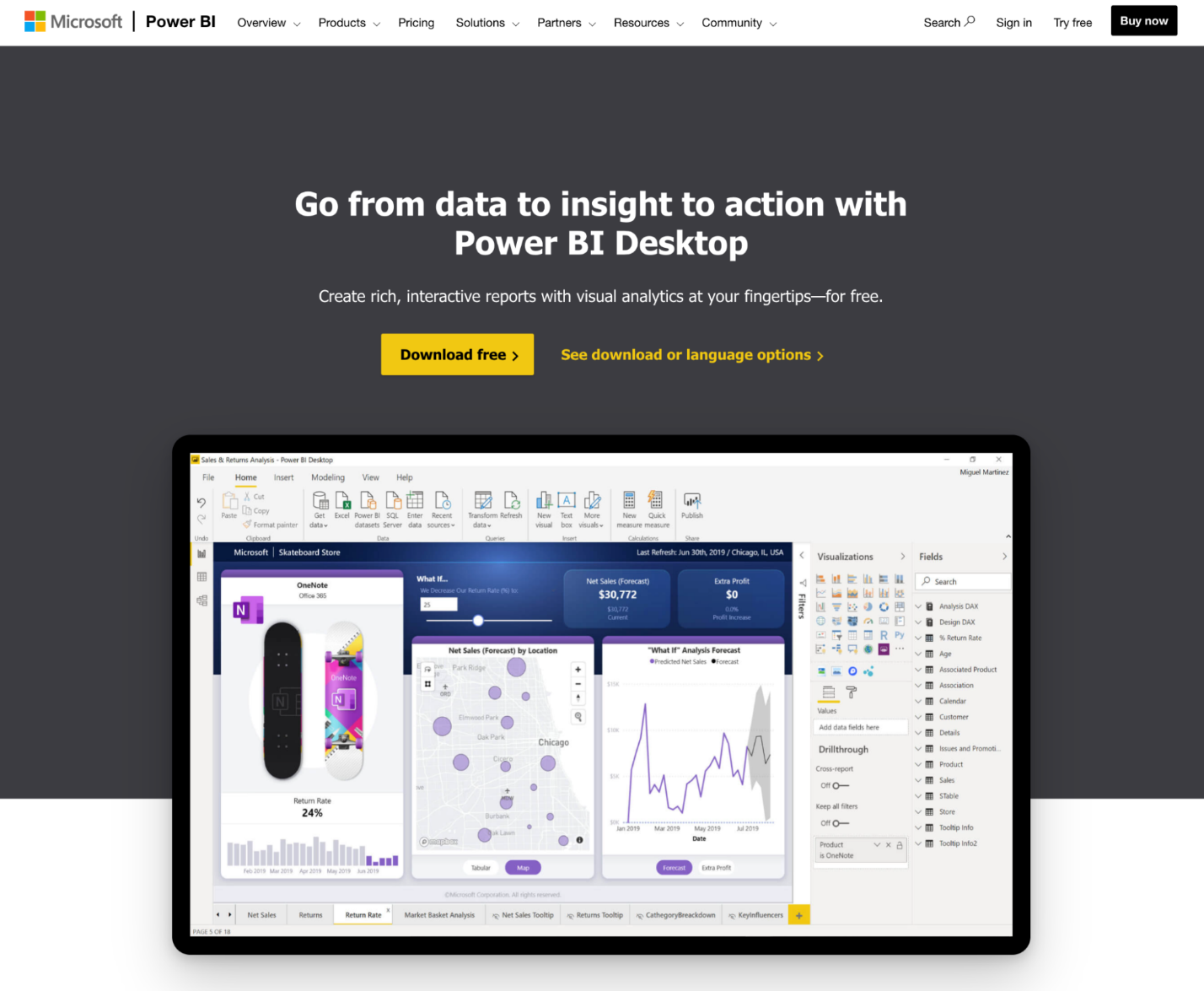
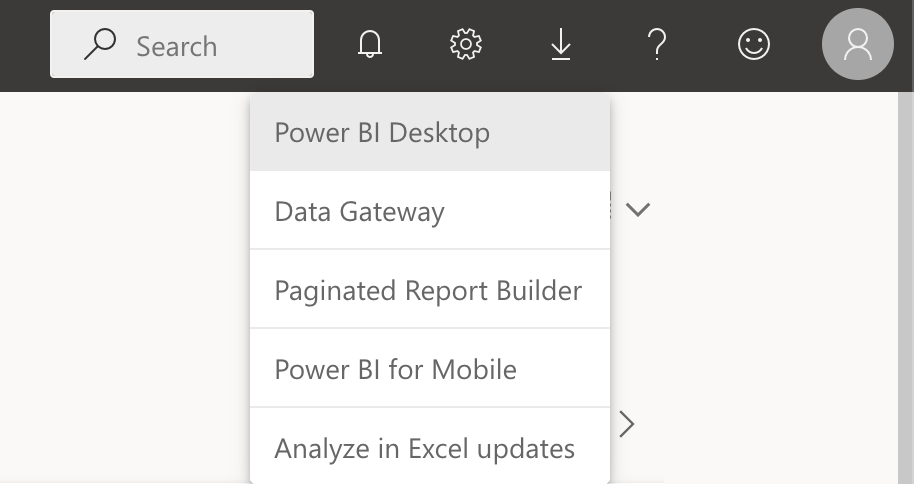
Either of these 2 options will take you to the Microsoft Download Center, where you can choose your preferred language for Power BI Desktop and also review the details and system requirements for the application. To proceed with the download, simply click “Download”.
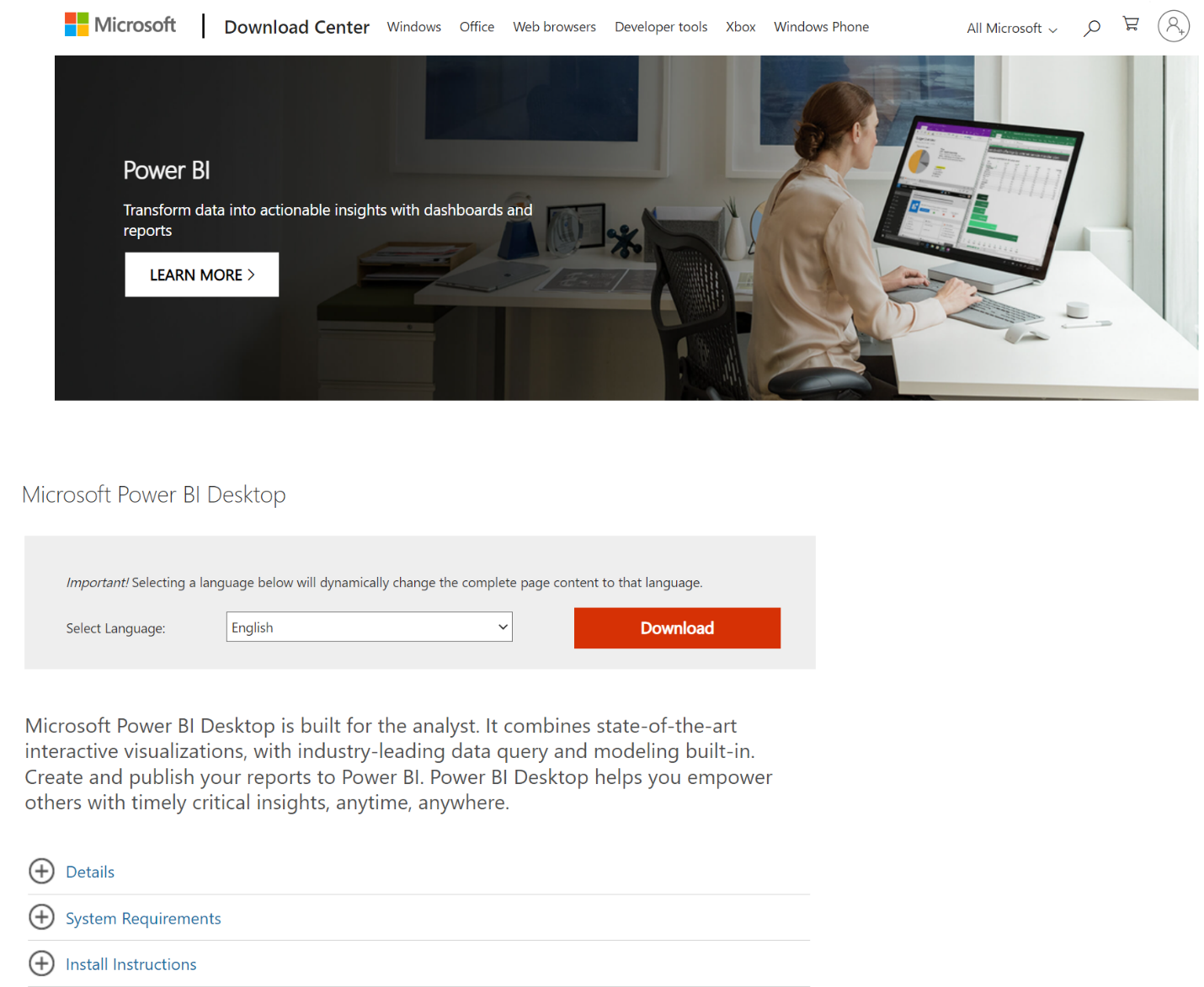
Once you have downloaded the application, run the installation and follow the prompts. If you are not the administrator, you will need to contact your IT department to enter the necessary credentials before you can continue with the installation.
If you are downloading Power BI Desktop using the direct method, remember to return to the download center each month to download and install the latest version of the application.
Source: datacamp.com
See more

12/11/2025


